









Blog
MetaTrader 4 Forex Trading: Your Complete Guide to Getting Started

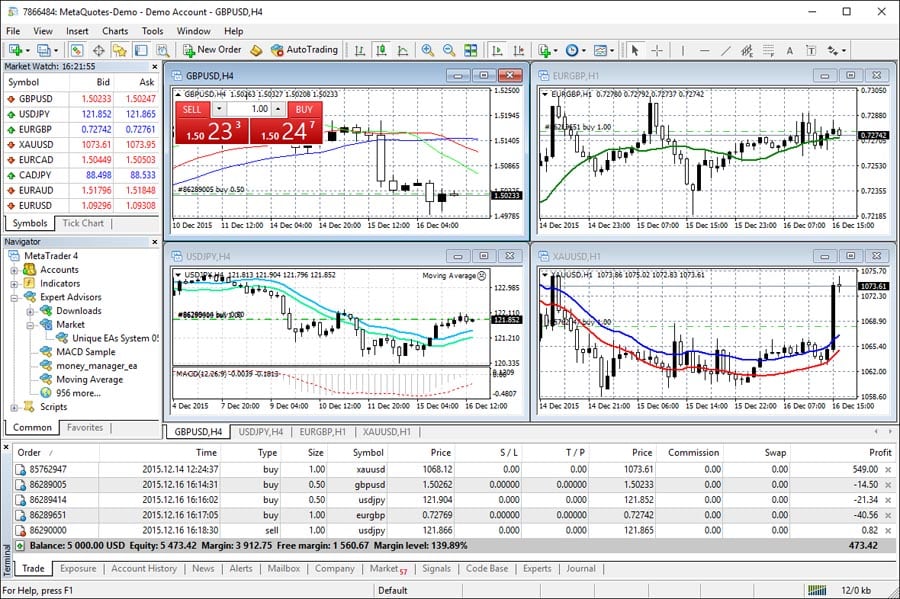
You’re interested in forex trading and have heard about MetaTrader 4. That’s a smart starting point. MetaTrader 4 (MT4) is the world’s most popular forex trading platform, used by millions of traders daily. But what exactly is it, and how can you use it to trade currencies effectively?
Let me walk you through everything you need to know about MT4 forex trading. By the end of this guide, you’ll understand how to use this powerful platform to start your trading journey.
What Is MetaTrader 4?
MetaTrader 4 is a trading platform – think of it as software that connects you to the forex market. It’s like a bridge between you and the global currency markets. According to Investopedia, MT4 was released in 2005 by MetaQuotes Software and quickly became the industry standard.
A trading platform is simply the software you use to buy and sell currencies. It shows you price charts, lets you place orders, and helps you manage your trades. MT4 does all of this and much more.
Why Do Traders Choose MT4 for Forex Trading?
You might wonder why MT4 remains so popular when newer platforms exist. Here are the main reasons traders stick with MT4:
- User-friendly interface – Even beginners can navigate it easily
- Reliable performance – It rarely crashes or freezes
- Free to use – No platform fees
- Works on any device – Desktop, mobile, or web browser
- Huge community support – Millions of users share tips and strategies
- Automated trading capabilities – You can use or create trading robots
Getting Started with MT4: Step-by-Step Setup
Setting up MT4 is straightforward. Here’s exactly how to do it:
Step 1: Choose a Forex Broker
First, you need a forex broker – a company that gives you access to the currency markets. Your broker provides you with an MT4 account. BabyPips recommends checking these factors when choosing a broker:
“Look for regulation, low spreads, good customer service, and MT4 compatibility. Not all brokers offer MT4, so verify this before signing up.”
Step 2: Download MT4
Once you’ve chosen a broker and opened an account, download MT4 from your broker’s website. IMPORTANT: Always download from your broker’s official site, not third-party sources.
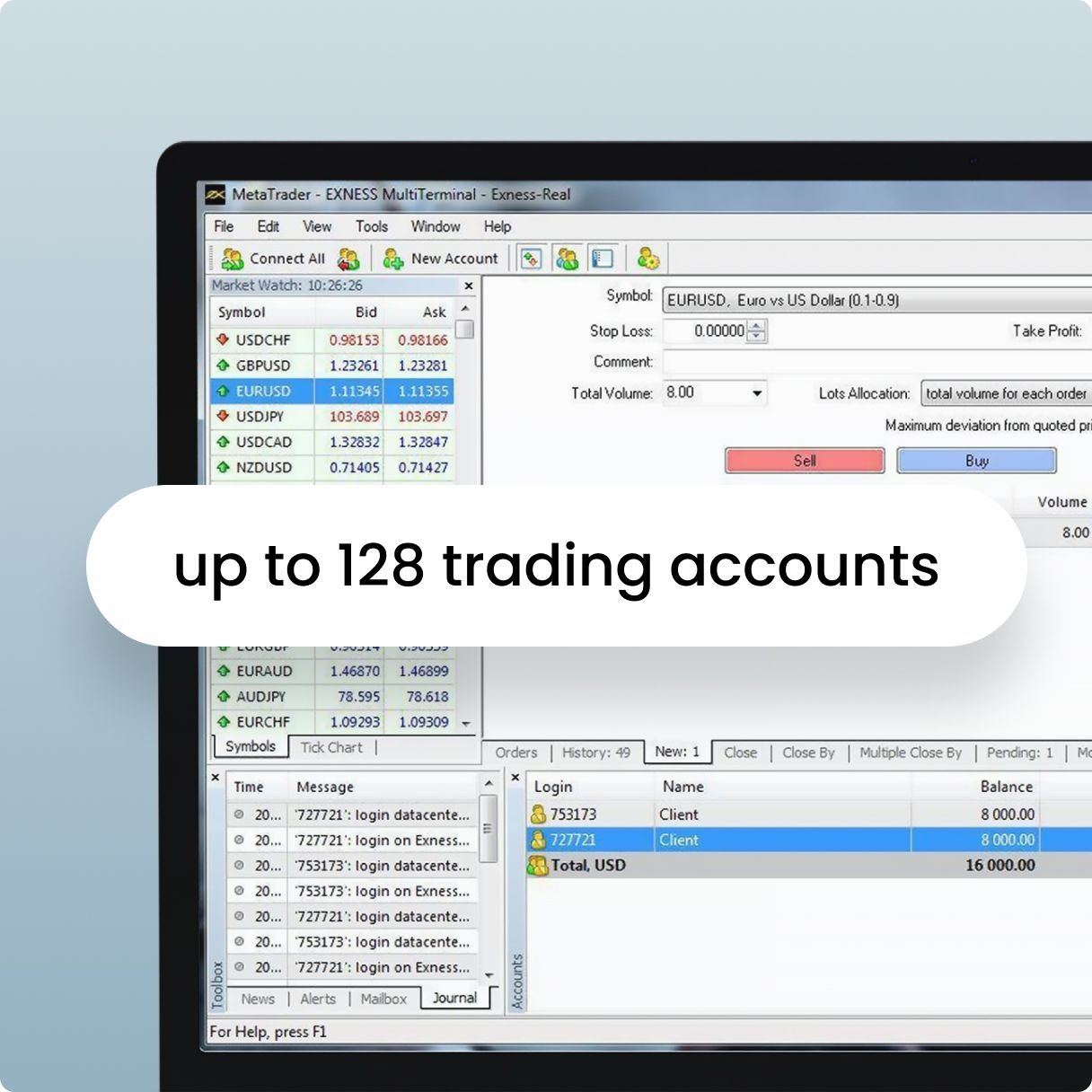
Step 3: Install and Log In
Installation takes just a few minutes. After installing, you’ll need:
- Your account number (provided by your broker)
- Your password
- The server name (also from your broker)
Understanding the MT4 Interface
When you first open MT4, you’ll see several panels. Don’t feel overwhelmed – you’ll quickly get used to them. Here’s what each section does:
Market Watch Window
This shows live prices for different currency pairs. A currency pair represents two currencies being traded against each other. For example, EUR/USD shows how many US dollars you need to buy one euro.
Navigator Panel
Here you’ll find your accounts, indicators, and Expert Advisors (automated trading programs). Think of it as your toolbox.
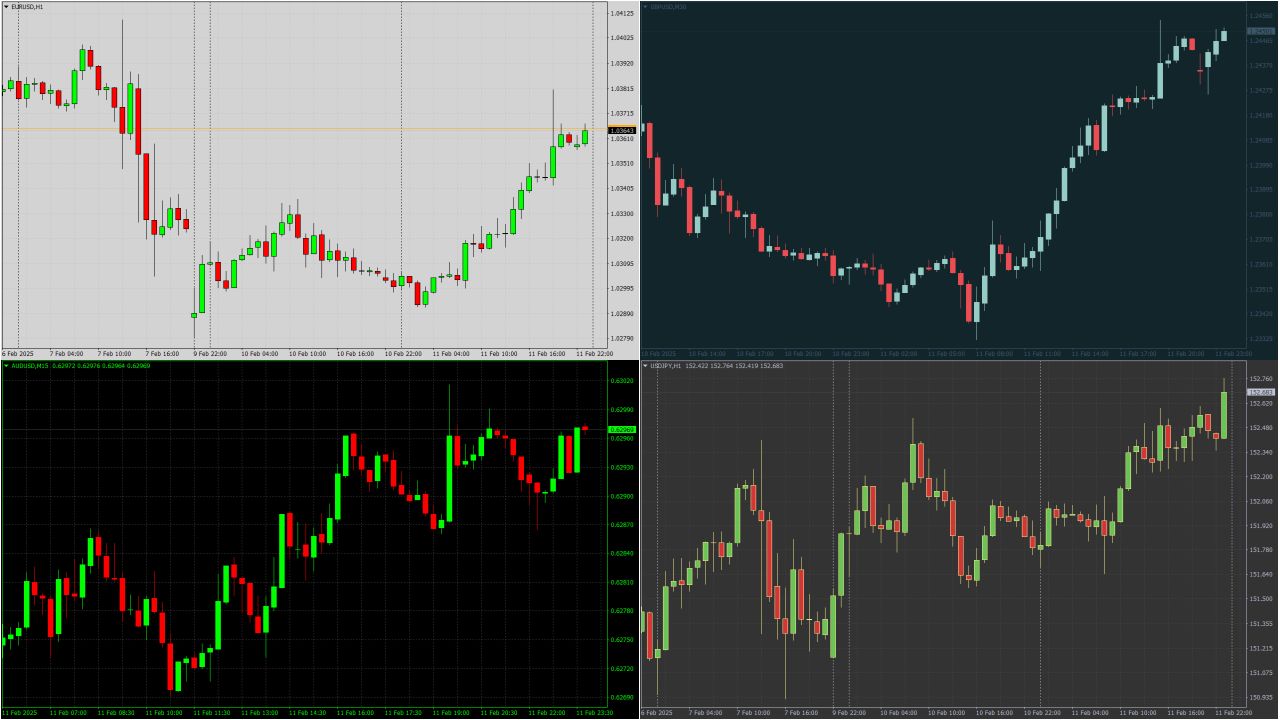
Chart Window
This is where you’ll spend most of your time. Charts show price movements over time. You can have multiple charts open simultaneously, each showing different currency pairs or timeframes.
Terminal Window
Located at the bottom, this shows your account balance, open trades, and trade history. It’s like your trading dashboard.
How to Place Your First Trade on MT4
Ready to make your first trade? Here’s the exact process:
- Choose a currency pair from the Market Watch window
- Right-click and select “New Order” or press F9
- Set your trade size (called “volume” in MT4)
- Choose “Buy” or “Sell” based on your market analysis
- Set your stop loss and take profit (optional but recommended)
- Click the appropriate button to execute the trade
A stop loss automatically closes your trade if it goes against you by a certain amount. A take profit closes your trade when you’ve made your desired profit. Both help manage risk.
Essential MT4 Tools for Forex Trading
MT4 comes packed with tools to help you analyze the markets. Let’s explore the most important ones:
Technical Indicators
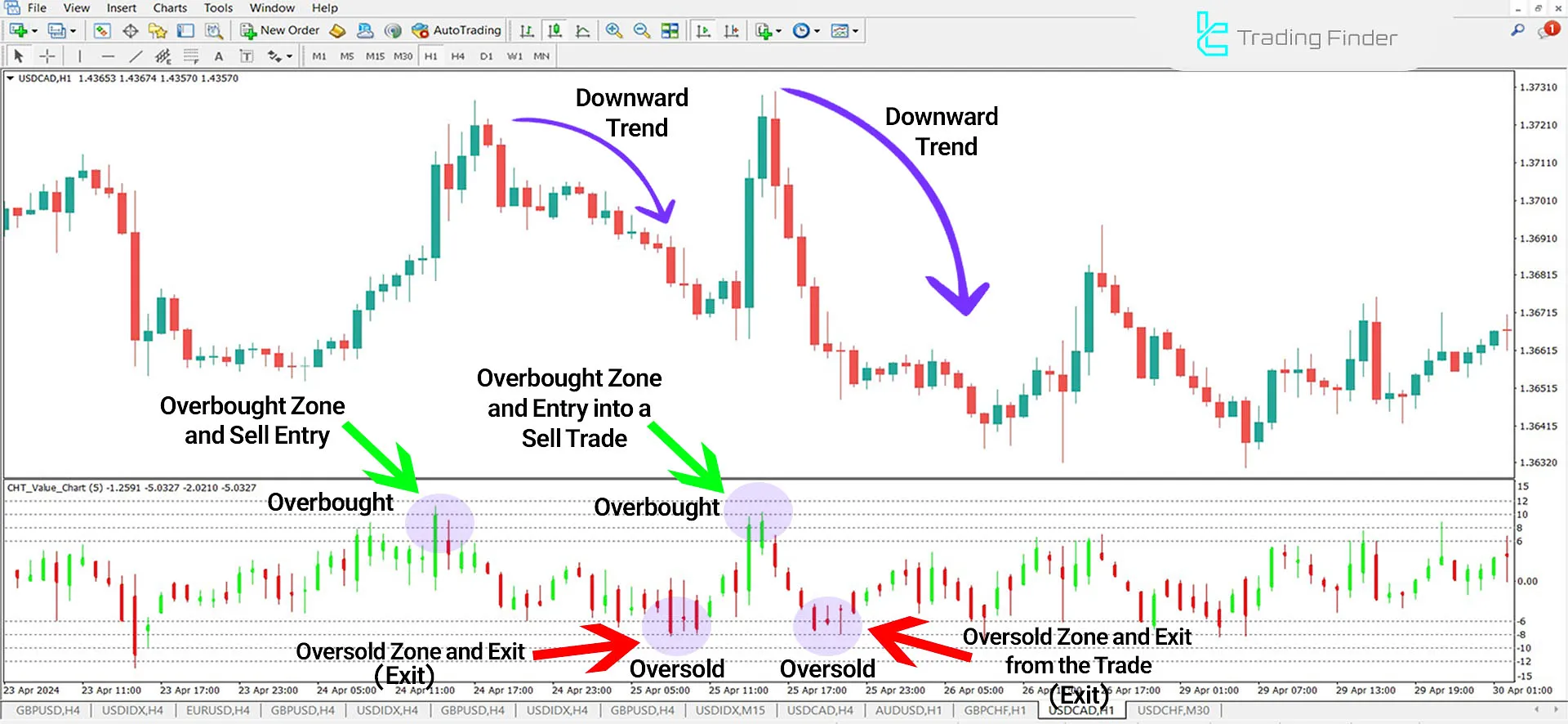
Technical indicators are mathematical calculations based on price and volume. They help you spot trends and potential trading opportunities. Popular indicators include:
- Moving Averages – Show the average price over a specific period
- RSI (Relative Strength Index) – Indicates if a currency is overbought or oversold
- MACD – Helps identify trend changes
- Bollinger Bands – Show price volatility
Drawing Tools
MT4 includes various drawing tools to help you mark important price levels. You can draw trend lines, support and resistance levels, and Fibonacci retracements directly on your charts.
Multiple Timeframes
You can view the same currency pair across different timeframes – from one-minute charts to monthly charts. This gives you both short-term and long-term perspectives on price movements.
MT4 vs Other Trading Platforms: A Detailed Comparison
How does MT4 stack up against other platforms? Here’s an honest comparison:
| Feature | MetaTrader 4 | MetaTrader 5 | cTrader |
|---|---|---|---|
| User Interface | Simple, classic | Modern, complex | Sleek, intuitive |
| Learning Curve | Easy | Moderate | Easy-Moderate |
| Automated Trading | Excellent (MQL4) | Advanced (MQL5) | Good (C#) |
| Community Support | Massive | Growing | Moderate |
| Mobile App | Full-featured | Full-featured | Good |
| Broker Availability | Most brokers | Many brokers | Some brokers |
Advanced MT4 Features for Serious Traders
Once you’re comfortable with basics, explore these advanced features:
Expert Advisors (EAs)
Expert Advisors are programs that trade automatically based on pre-set rules. You can find various EAs or create your own using MQL4 programming language. They work 24/7, following your strategy without emotions.
Custom Indicators
Beyond built-in indicators, you can install custom ones created by other traders. The MT4 community has developed thousands of free and paid indicators for every trading style.
Strategy Tester
This powerful tool lets you test trading strategies using historical data. You can see how your strategy would have performed in the past before risking real money.
Common MT4 Trading Mistakes to Avoid
Even with a great platform like MT4, traders make mistakes. Here are the most common ones:
“The biggest mistake new traders make is not using stop losses. No matter how confident you are in a trade, always protect your capital.” – BabyPips Trading Guide
- Trading without a plan – Always know why you’re entering a trade
- Overleveraging – Using too much margin amplifies losses
- Ignoring risk management – Not setting stop losses
- Overcomplicating charts – Too many indicators create confusion
- Emotional trading – Letting fear or greed control decisions
Mobile Trading with MT4
You don’t need to be at your computer to trade. The MT4 mobile app offers most desktop features:
- Real-time quotes
- Interactive charts
- Full trading capabilities
- Push notifications for price alerts
- Account management tools
Download the app from your phone’s app store and log in with your existing MT4 credentials. Your trades sync automatically between devices.
Tips for Successful MT4 Forex Trading
Based on experienced traders’ advice, here are practical tips for MT4 success:
Start with a Demo Account
Practice on a demo account first. It uses virtual money but real market prices. Spend at least a month learning before trading real money.
Keep a Trading Journal
MT4’s built-in reports help, but maintain your own journal too. Note why you entered each trade and what you learned from it.
Use Proper Risk Management
Never risk more than 1-2% of your account on a single trade. If you have $1,000, risk only $10-20 per trade. This protects your account from big losses.
Focus on One or Two Currency Pairs
Master EUR/USD or GBP/USD before trading exotic pairs. Each pair has its own “personality” and behavior patterns.
Troubleshooting Common MT4 Issues
Sometimes MT4 doesn’t work perfectly. Here’s how to fix common problems:
| Problem | Solution |
|---|---|
| Can’t connect to server | Check internet connection, verify login details, contact broker |
| Charts not updating | Right-click chart, select “Refresh” |
| Indicators not showing | Check if indicator is attached to correct chart window |
| Orders won’t execute | Verify market is open, check for sufficient margin |
| Platform running slowly | Close unnecessary charts, reduce chart history |
The Future of MT4 in Forex Trading
Despite being nearly 20 years old, MT4 remains the most popular forex platform. Wikipedia notes that while MetaQuotes has stopped updating MT4 to promote MT5, the platform’s massive user base keeps it relevant.
Many brokers continue supporting MT4 because traders demand it. The huge library of indicators, EAs, and educational resources makes switching difficult for many users.
Conclusion: Is MT4 Right for Your Forex Trading?
MetaTrader 4 offers everything you need for successful forex trading. Its combination of simplicity, reliability, and powerful features makes it ideal for both beginners and experienced traders.
Start with a demo account to familiarize yourself with the platform. Practice different strategies, test various indicators, and develop your trading skills without risk. When you’re ready, transition to live trading with proper risk management.
Remember, the platform is just a tool. Your success depends on education, discipline, and continuous learning. MT4 provides the foundation – what you build on it is up to you.
Ready to explore more advanced trading tools? Check out our collection of MT4 tools to enhance your forex trading journey.